



The quickest and easiest editor for your digital videos
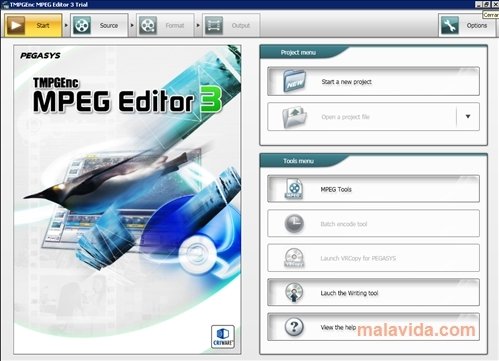
If you need to modify video files, but you don't dare to use a professional editor, because you find them confusing, maybe TMPGEnc MPEG Editor is enough for what you need to do, after all, its main purpose is to work with MPEG files.
The forerunner for MPEG Smart Renderer
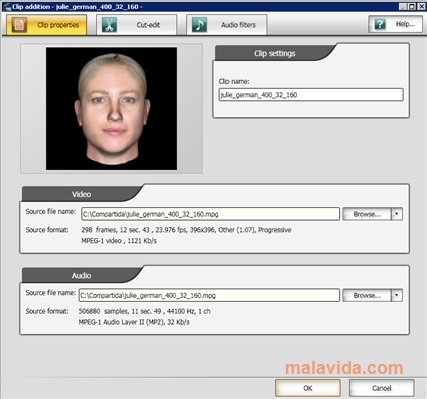
With TMPGEnc MPEG Editor you'll be able to easily edit any video in MPEG format: crop parts and paste them, mount different videos, add photographs, eliminate or add audio tracks, add subtitles and practically anything that you can think of. All this from a very simple interface, that allows you to instantly preview any change.
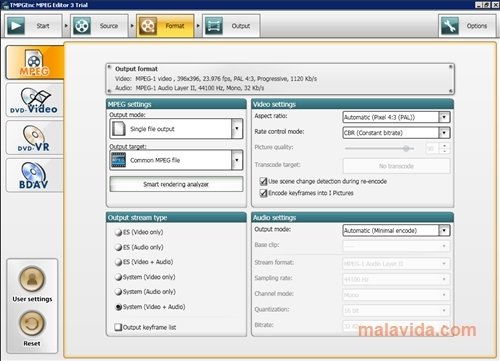
Furthermore, once the video is finished, it can be stored in MPEG, DVD, Video CD and even Blu-ray, all of them with a resolution and definition that can be configured by the user directly from the program, with an interface that is similar to an assistant, in which we'll have everything at hand, and we'll always have the option to go back.
In what regards to sound, it supports the most common codecs, and AAC 5.1 audio input, as well as outputting sound as DolbyDigital 5.1.
Requirements and additional information:
- The trial version can be used for 14 days.
 Héctor Hernández
As a technology journalist with over 12 years of experience in the world of software and apps, I have had the opportunity to try all kinds of devices and operating systems over the years. I have done from software or mobile applications reviews...

Antony Peel